AI assistants, browsers, background updaters - modern software works your computer harder than ever. PC Speed Dashboard shows you exactly where your CPU, memory, disk, and network are going, live, so you can fix slowdowns instead of guessing.
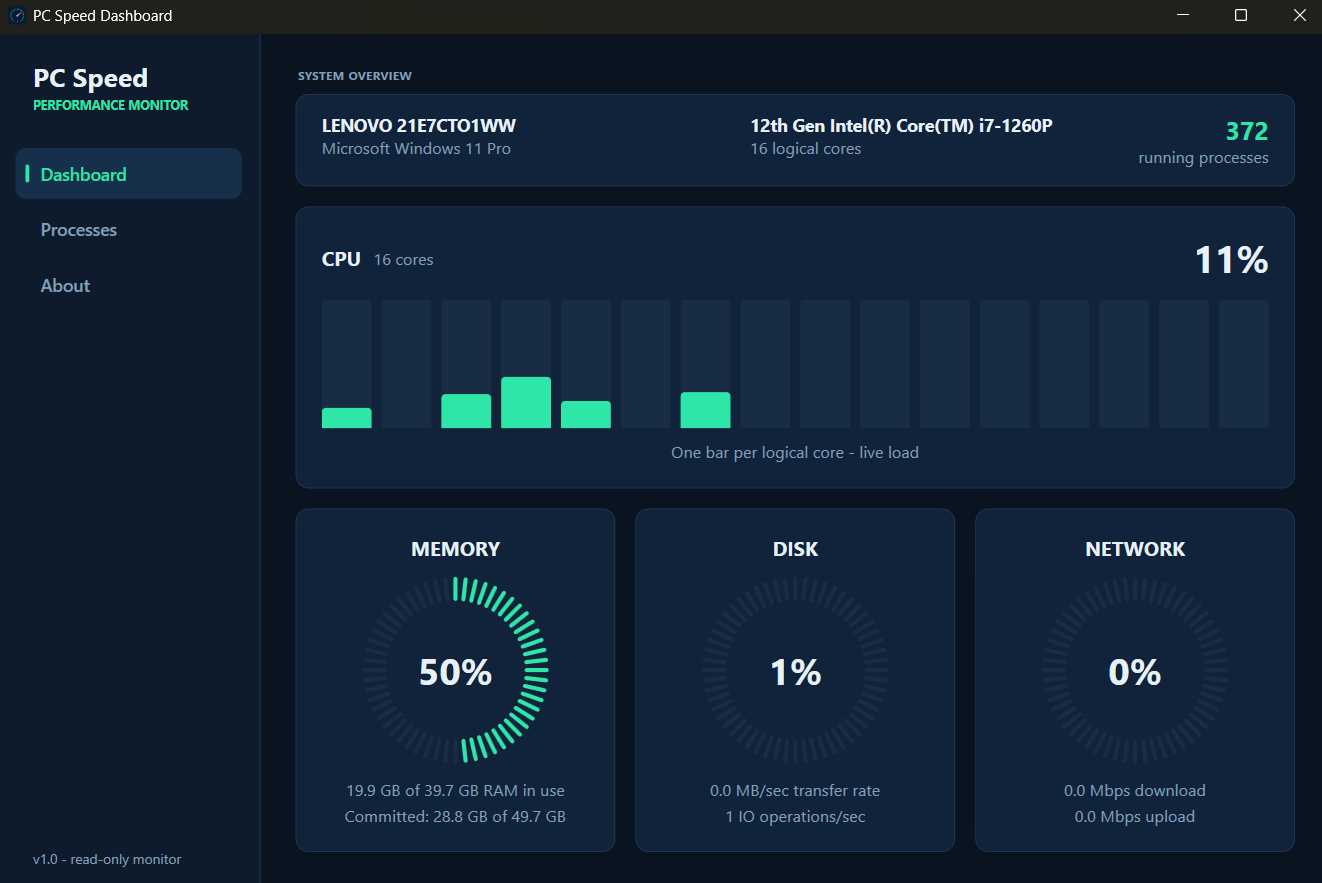
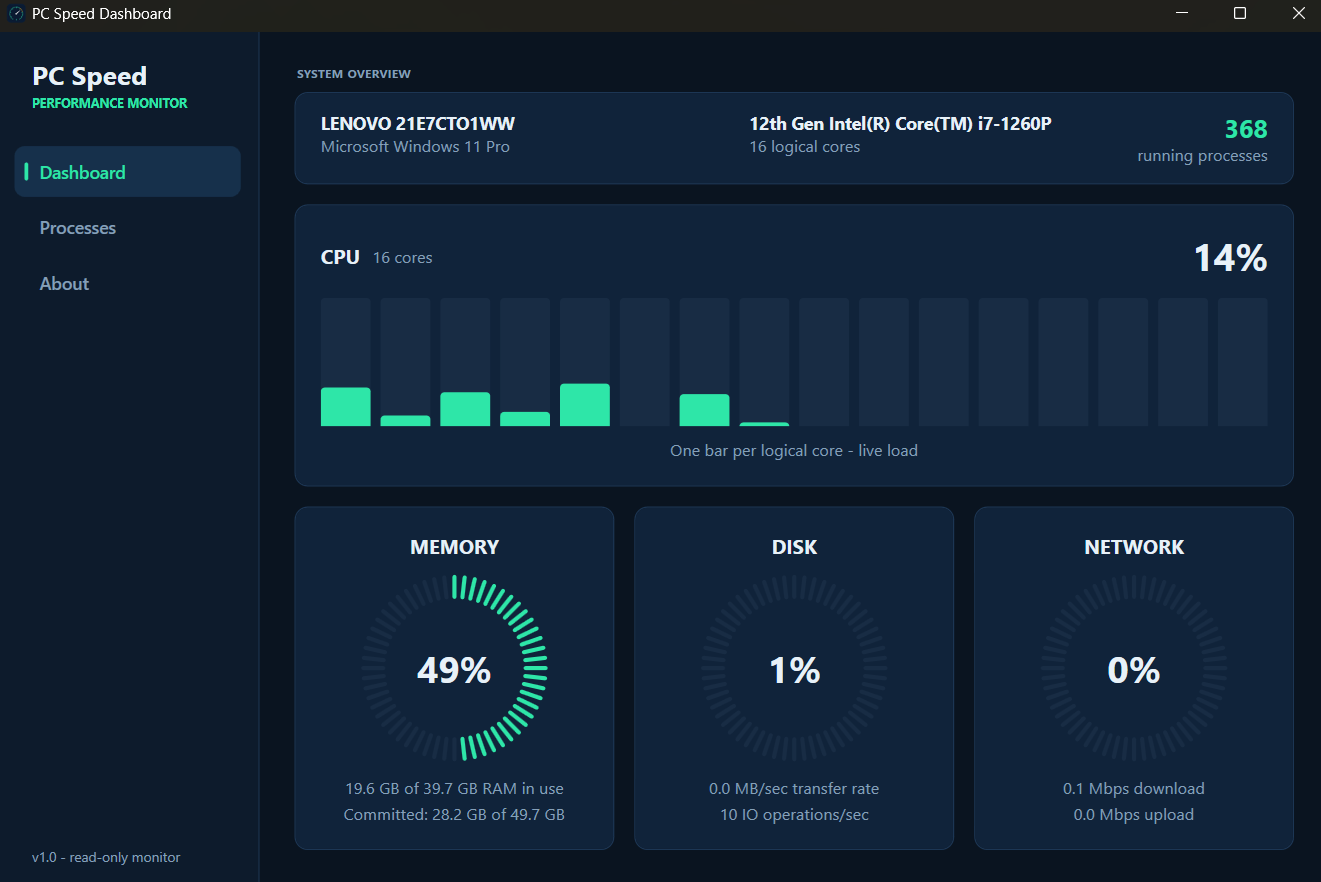
One glance tells you the story: every CPU core as a live bar, plus memory, disk, and network dials. When something is dragging your PC down, you see it light up amber and red immediately.
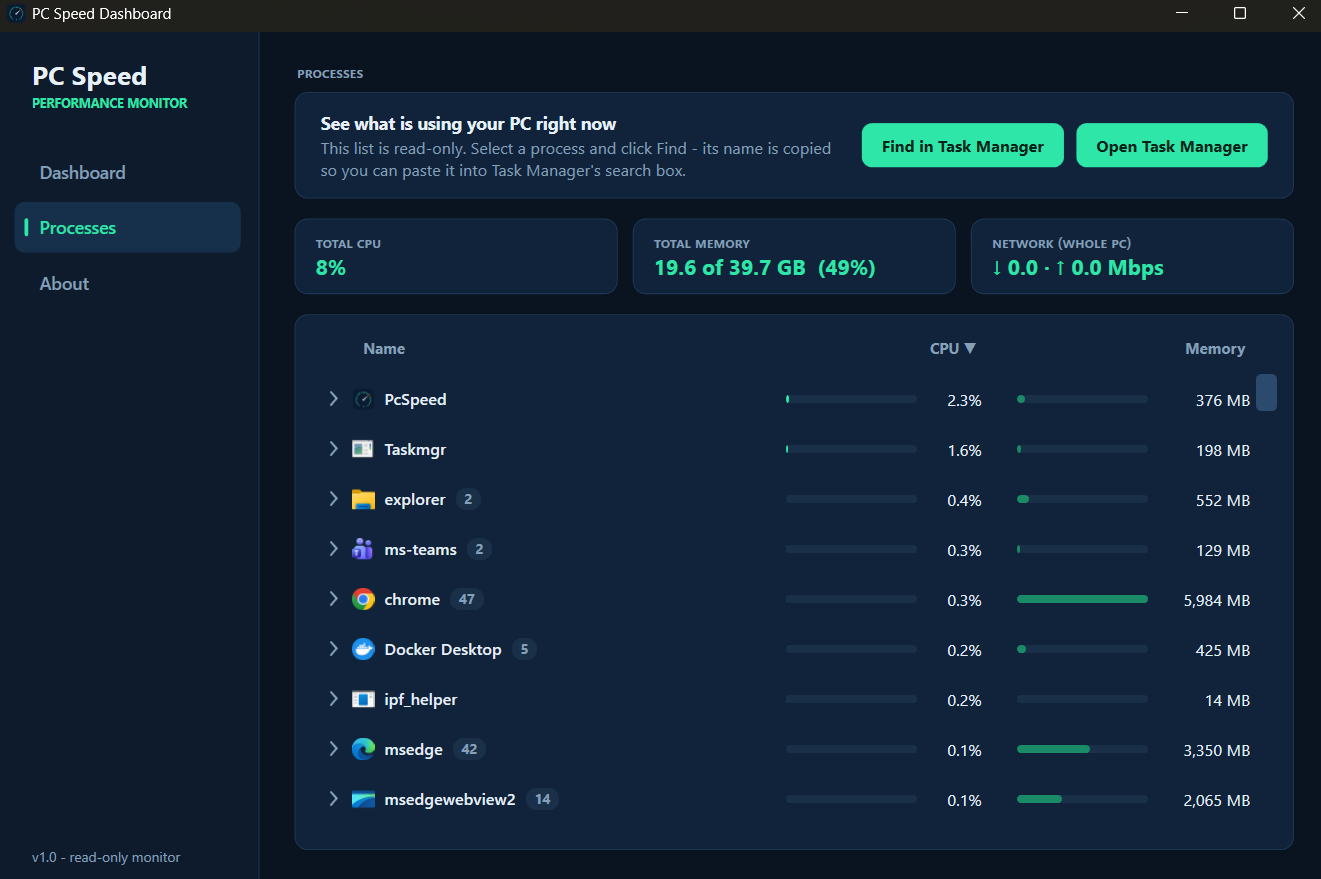
The Processes page groups every app the way Task Manager does - Chrome's 60 tabs roll up into one line - sorted so the biggest offender is always on top, with its real icon and live usage bars.
It watches; it never touches. No admin rights, no registry changes, no data collection, no internet calls. Ending a process is handed off to Windows Task Manager - the tool built for it.
A small, fast install with no bundled extras, no nag screens, no subscription. Keep it in the tray all day - it sips resources instead of using them, and uninstalls cleanly whenever you want.
Watch all your logical cores dance in real time like an equalizer, alongside circular gauges for memory, disk activity, and network throughput. Colors shift from teal to amber to red as load climbs, so trouble is visible from across the room.
Processes are grouped by app with icons, instance counts, and usage bars - expand any group to see each individual process. Found the culprit? One click copies its name and opens Task Manager so you can deal with it there, safely.
A small download and a quick setup - no account to create, no extras bundled in.
It launches instantly and starts reading Windows' own performance counters.
Know in seconds whether it's your browser, your RAM, or that updater you forgot about.
Most "PC boosters" are the slowdown. PC Speed Dashboard takes the opposite approach:
Free forever. Your PC's dashboard is 60 seconds away.
Download PC Speed DashboardQuestions, feedback, or a bug to report? Send us a message and we'll get back to you.